
Your library,beautifully.
You already run Jellyfin. Here’s the app it deserves, native on iPhone, iPad, Mac and Apple TV.
Free for 14 days · No account with us
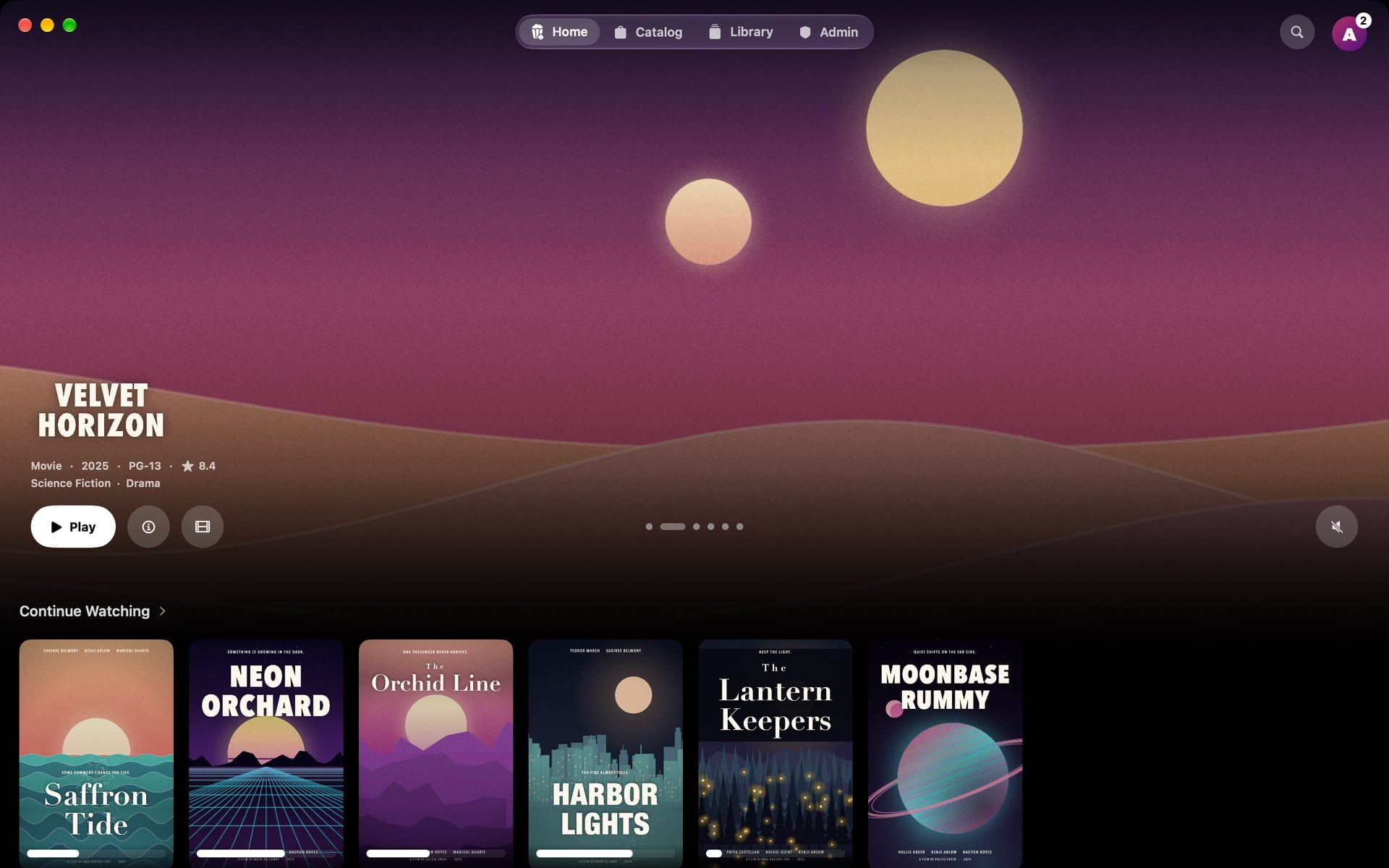
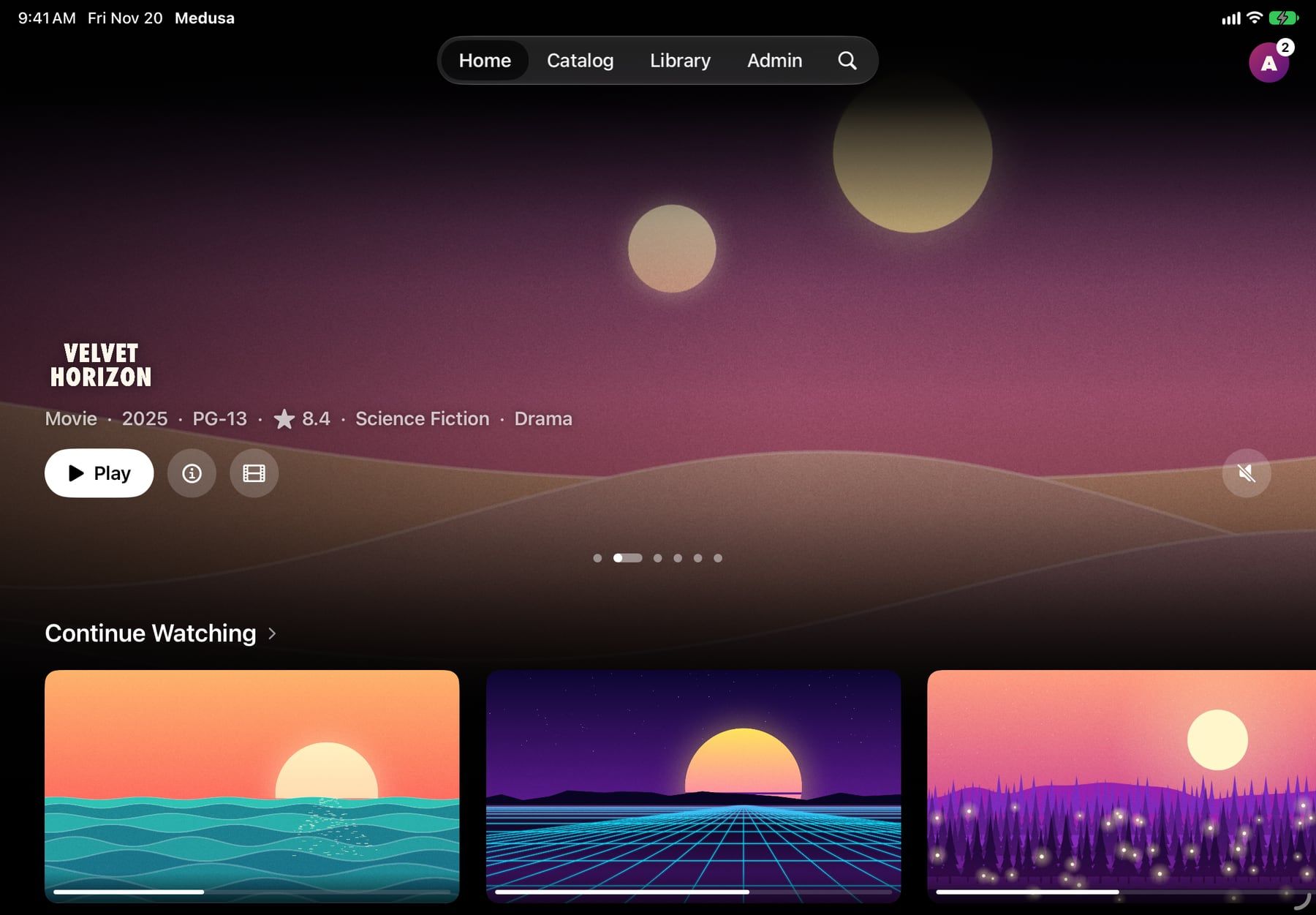
One app.Made for each screen.
Not one layout stretched four ways. Each device gets what it does best.
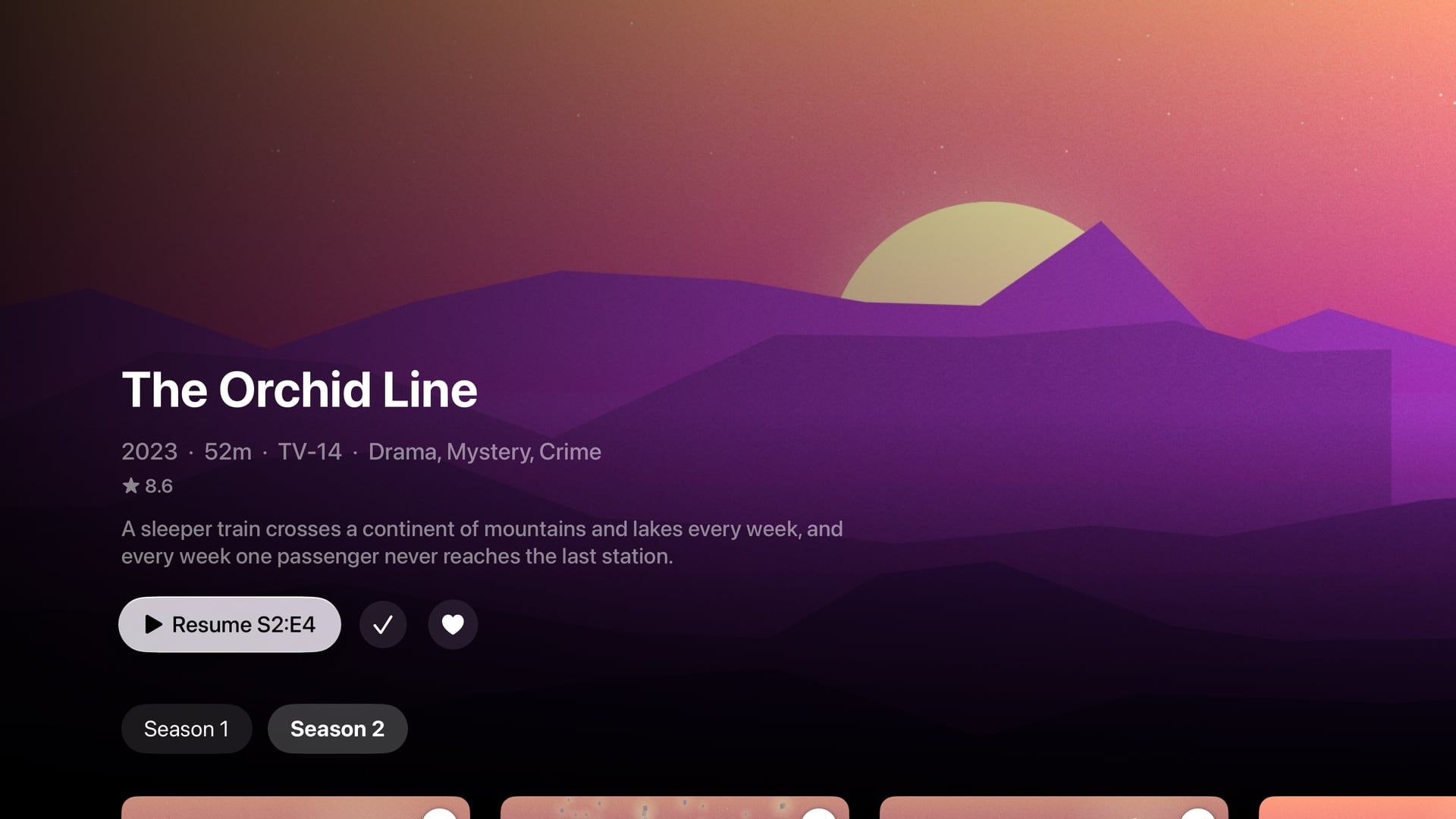
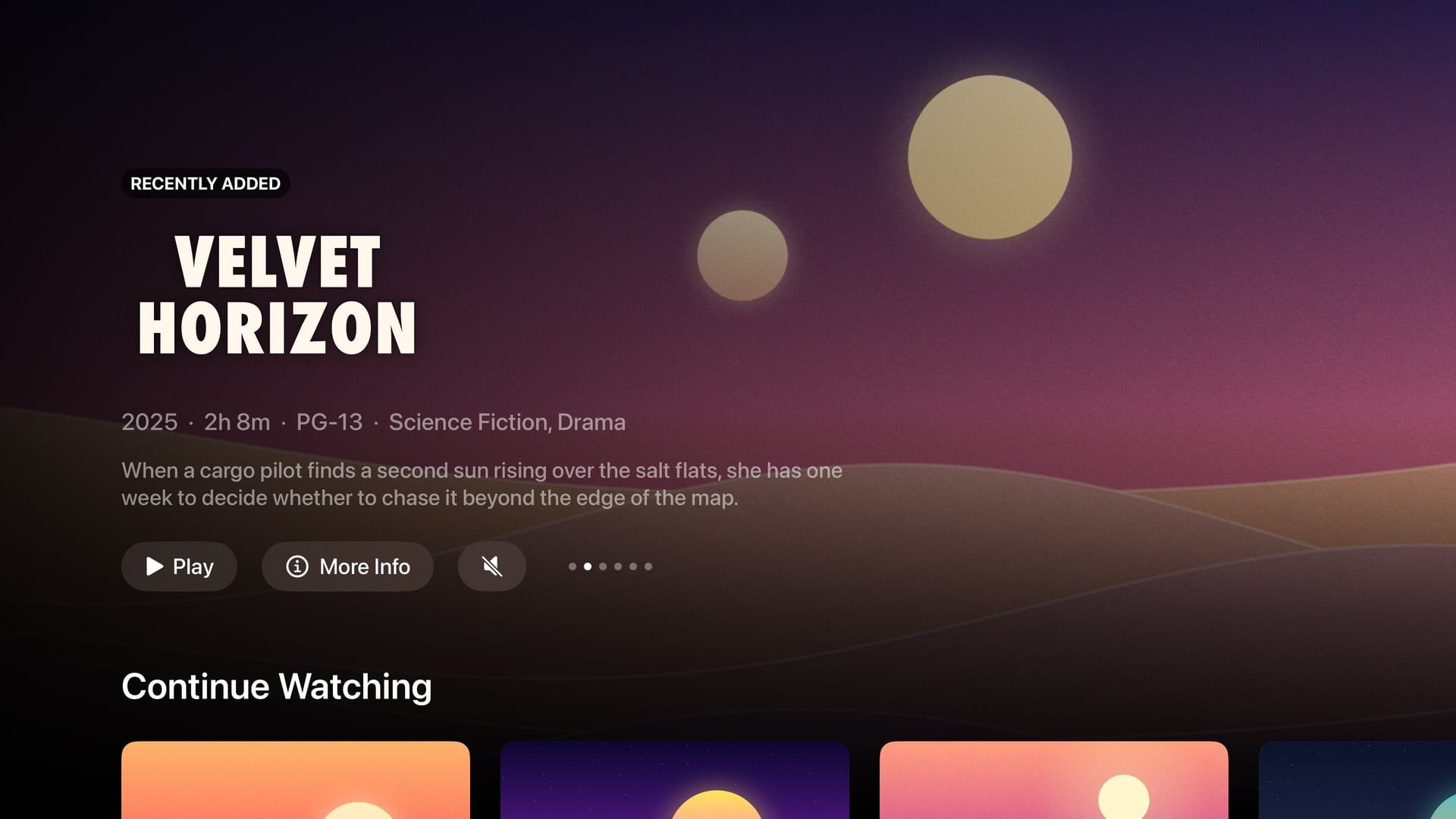
Apple TV
Top Shelf
Continue Watching and Next Up, before you open the app.
Matches your TV
Frame rate and dynamic range follow the film: HDR10, HLG, Dolby Vision.
Trailers behind titles
Title pages play the trailer while you decide.
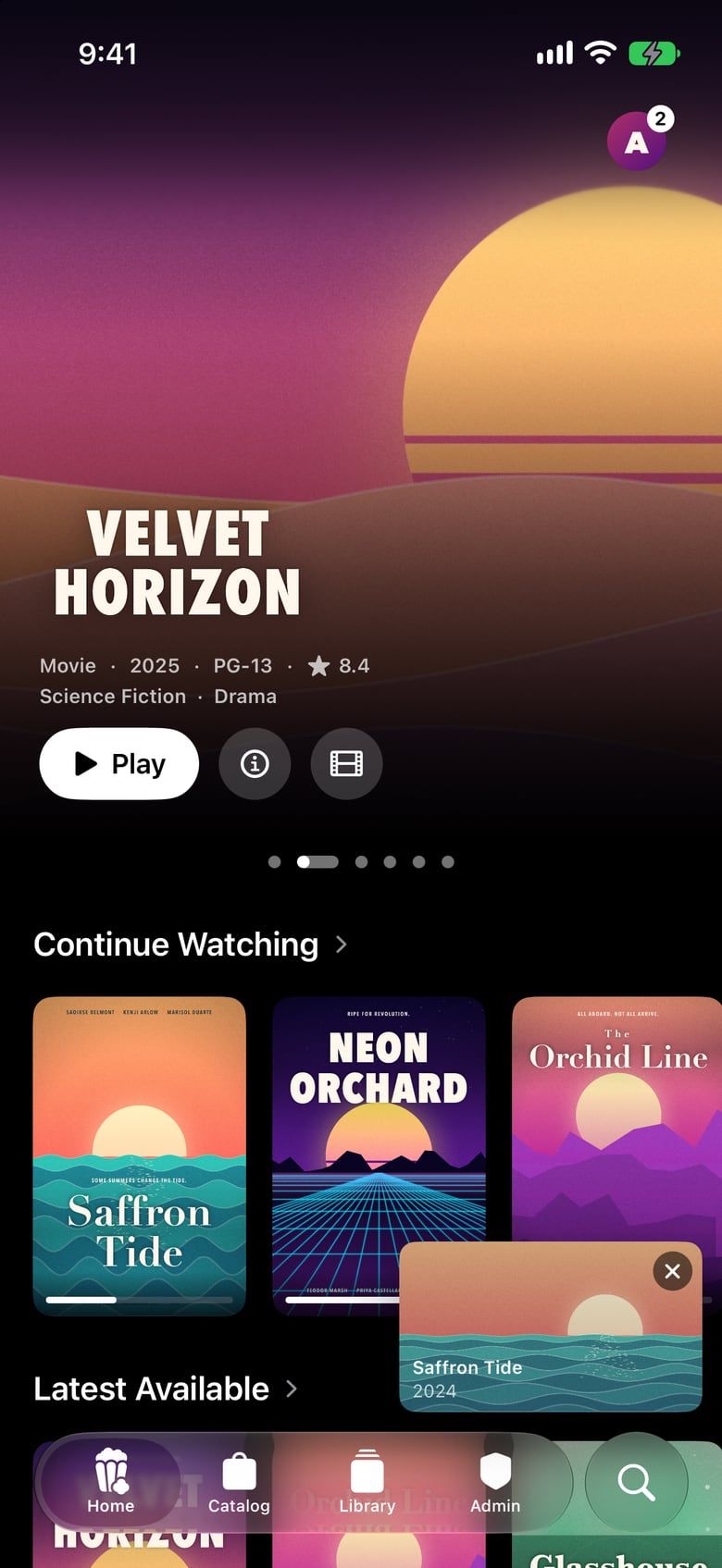
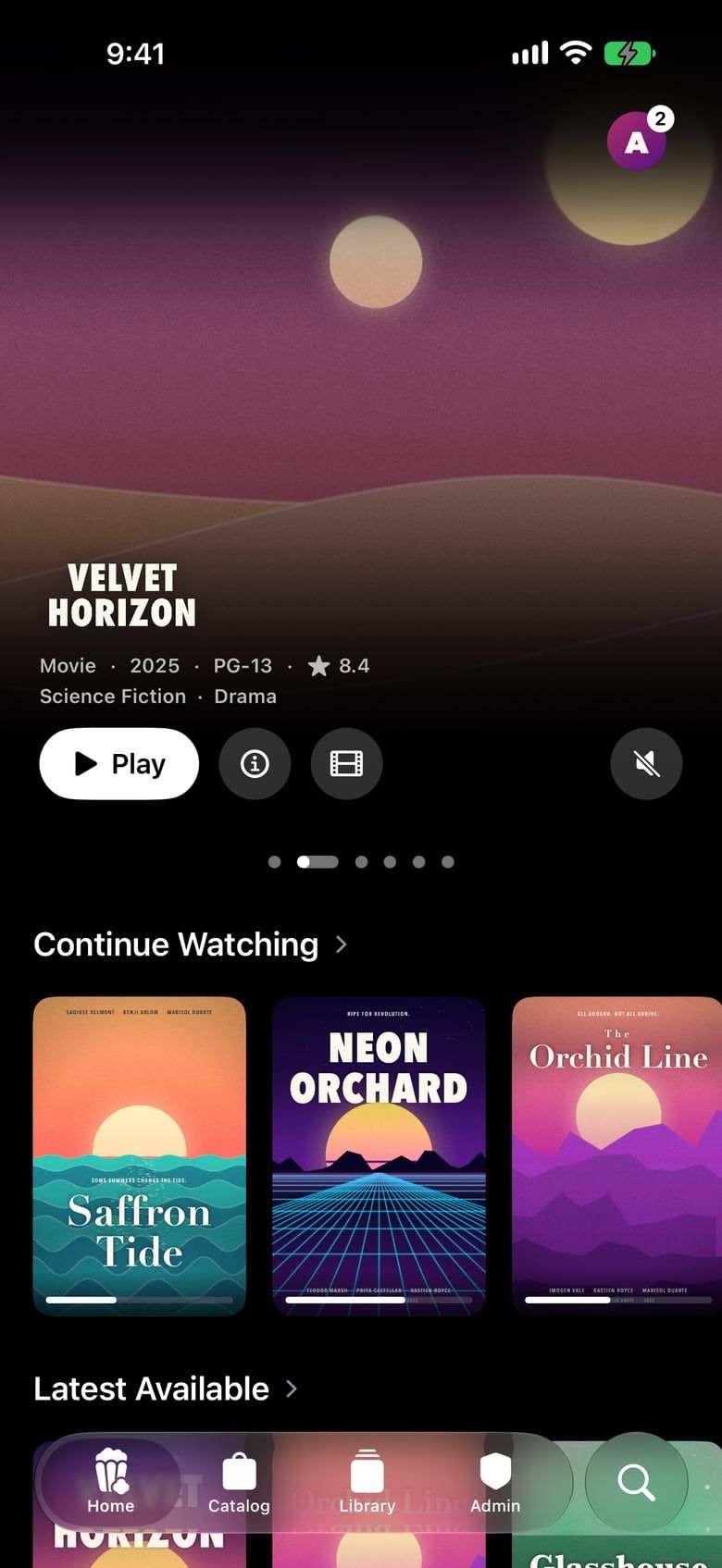
iPhone
Keep watching, keep browsing
Drag the player down and it follows you around the app.
Take it with you
Downloads for offline, followed by a Live Activity on the Lock Screen.
Widgets and controls
Continue Watching on your Home Screen, Resume in Control Center.
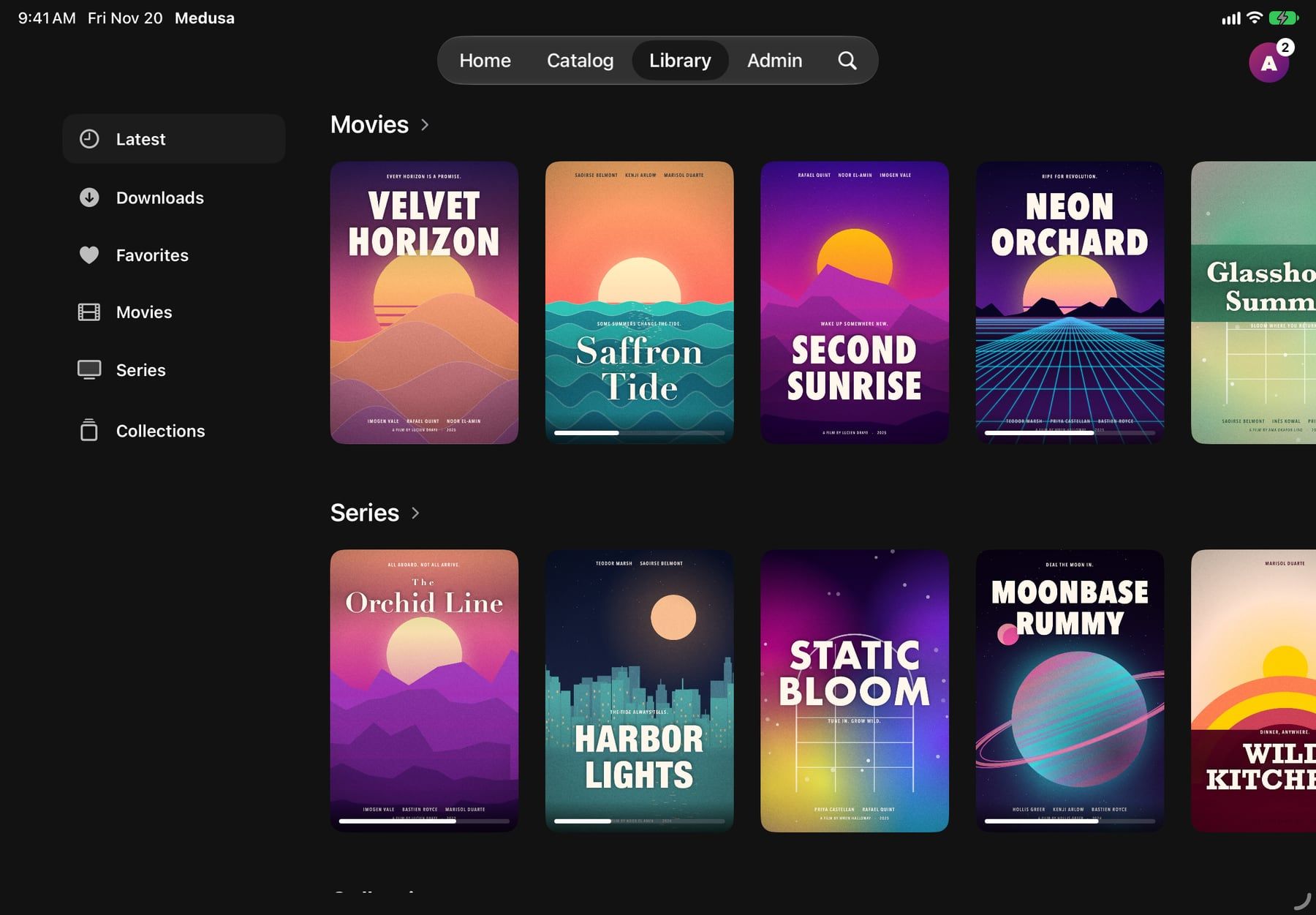
iPad
The whole screen
A full-width layout where artwork fills the display.
Picture in Picture
Keep the film in a corner while you do something else.
Offline, too
Download for the flight, at the quality you choose.
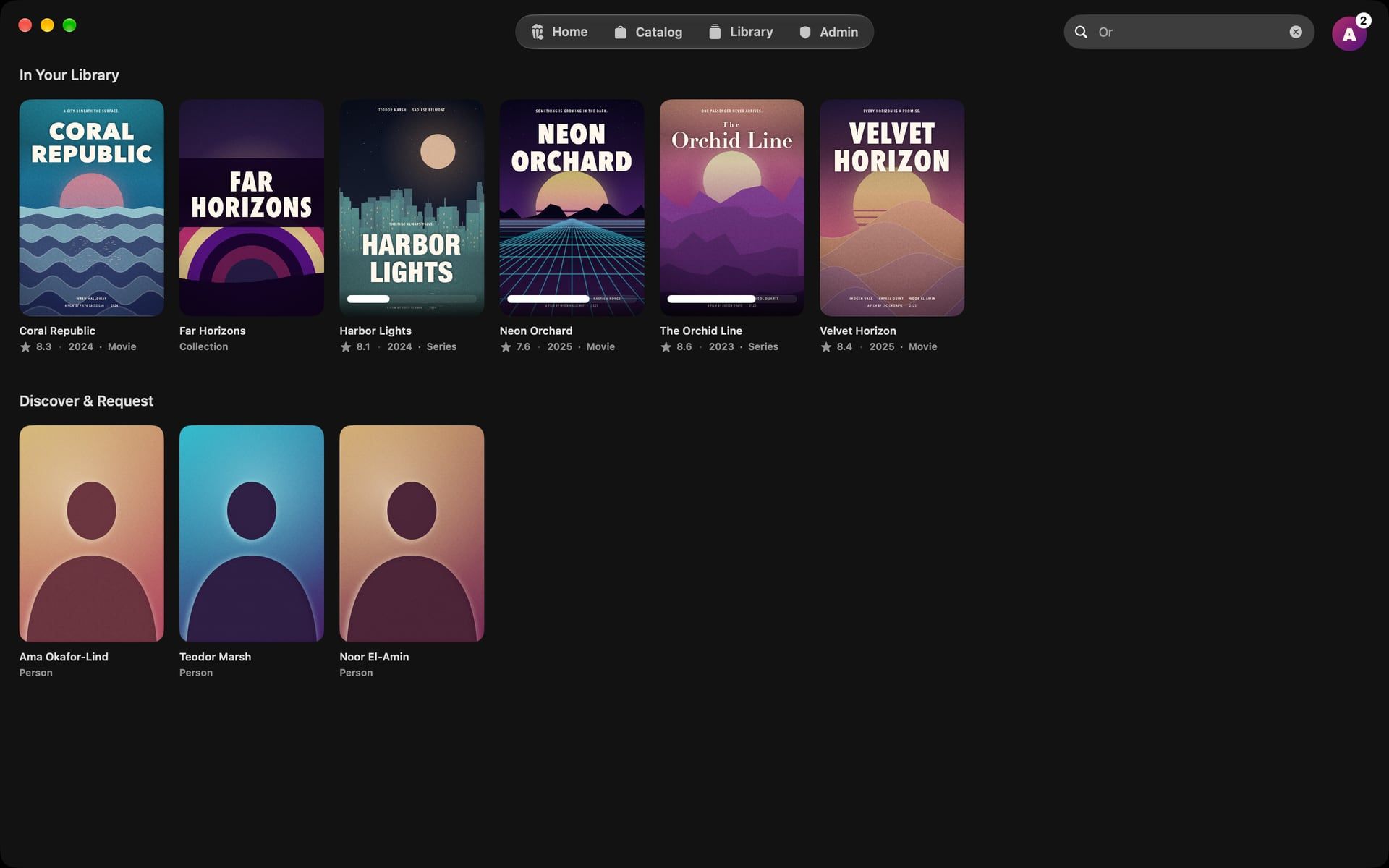
Mac
Keyboard first
⌘1 to ⌘4 for the tabs, ⌘F to search, ⌘[ to go back.
Under the pointer
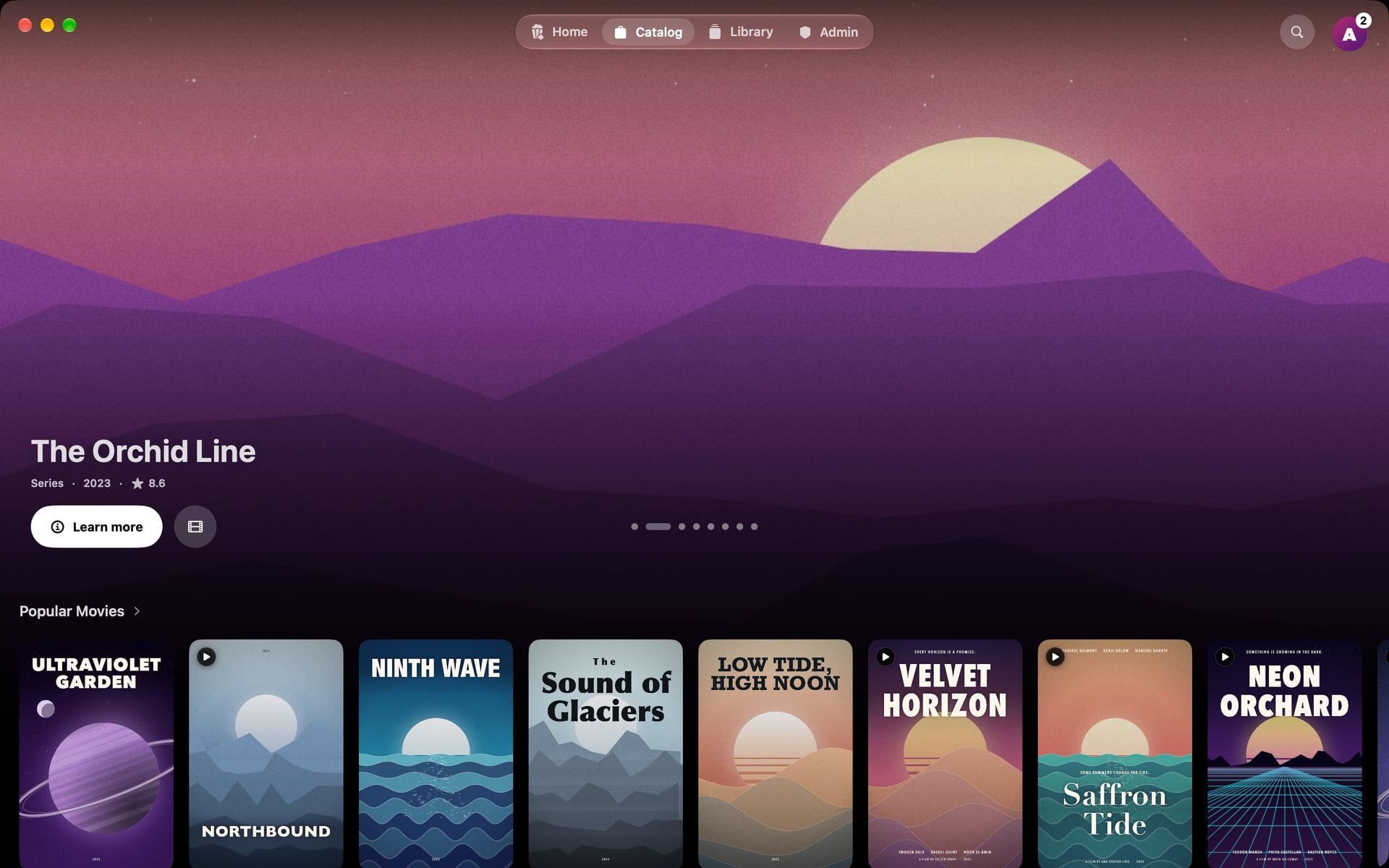
Cards lift as you pass over them and play a muted preview.
Feels like the Mac
A floating glass bar, native full screen, trackpad paging.
Pairing
Point your iPhone.Your TV is signed in.
No server address to spell out with a remote, and no password. Your iPhone hands the Apple TV everything it needs.
Your Apple TV shows its code
Open Medusa on the TV. There is nothing to fill in.
Your iPhone finds it
Open Medusa nearby and it offers the TV on its own. Or point the camera at the code.
Confirm once
The TV gets your server, your account and Seerr, and opens on your library.
This code is real. Point your iPhone’s camera at it to get Medusa.
Plays what you have.As it is.
Direct play first, so your server isn’t transcoding and the picture isn’t softened. The files you already own, the way you ripped them.
Plays as it is. No transcode.
Player: Medusa’s second engine
File: MKV · HEVC · DTS · PGS
- Two players, one screen
- Apple’s player for what your device decodes natively, with Picture in Picture and AirPlay. A second engine for everything else.
- Skip Intro, Up Next
- Skip intros and credits. The next episode is ready when this one ends.
- Subtitles, audio, speed
- One swipe down. Style subtitles your way, and nudge their timing when a file is off.
Seerr, built in
Ask for anything.Watch it arrive.
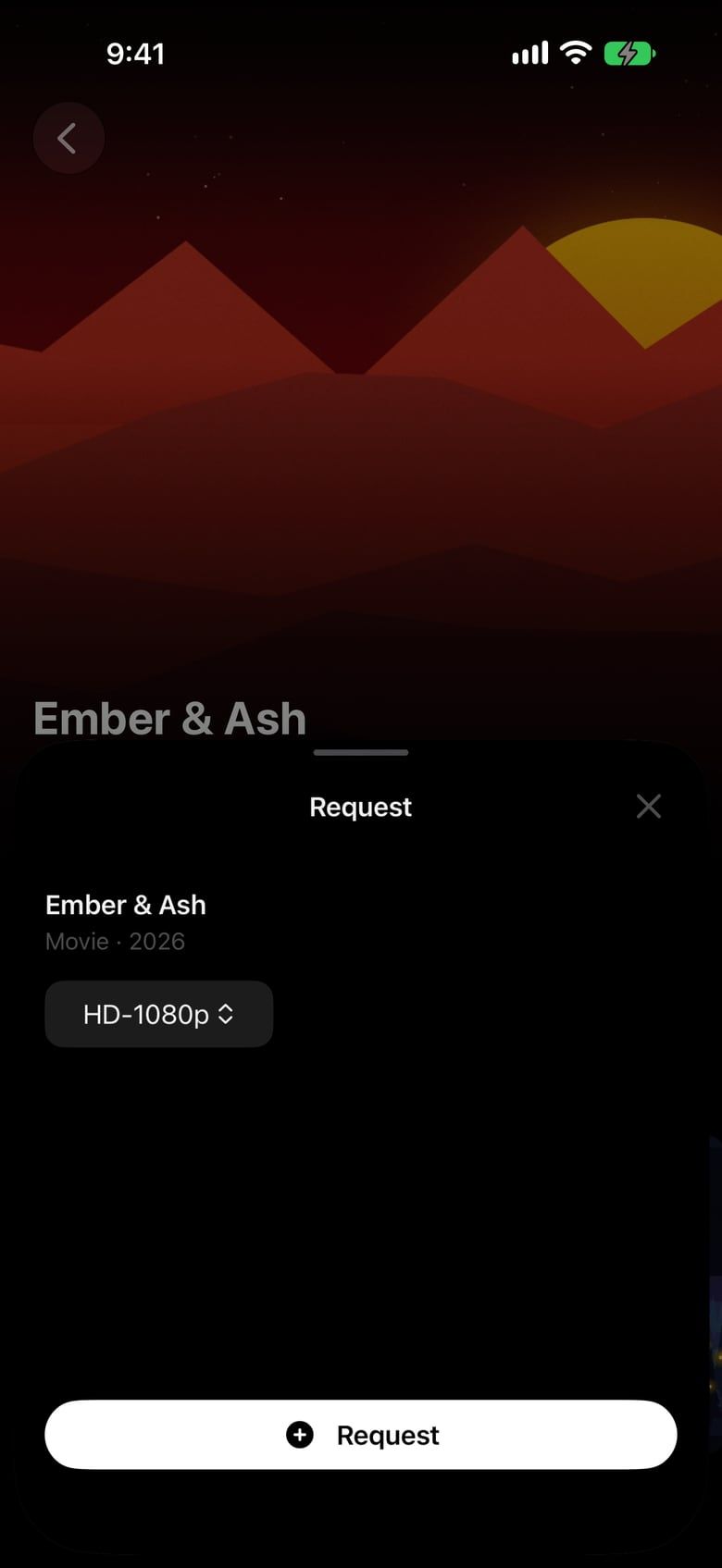
Medusa finds your Seerr server on its own. Browse what’s trending and coming next, and request it in a tap.
- Search your library first, then everything you could ask for.
- Requests from the household wait for your tap.
- Follow each download, and watch it the moment it lands.
Your library is waiting.On every screen.
Sign in once on your iPhone, and your Apple TV follows. Try everything free for 14 days.
iPhone · iPad · Mac · Apple TV
On your Mac? Point your iPhone here.